
Touchscreen Digital Yearbooks: An Interactive Way to Preserve School History
What is a digital yearbook?
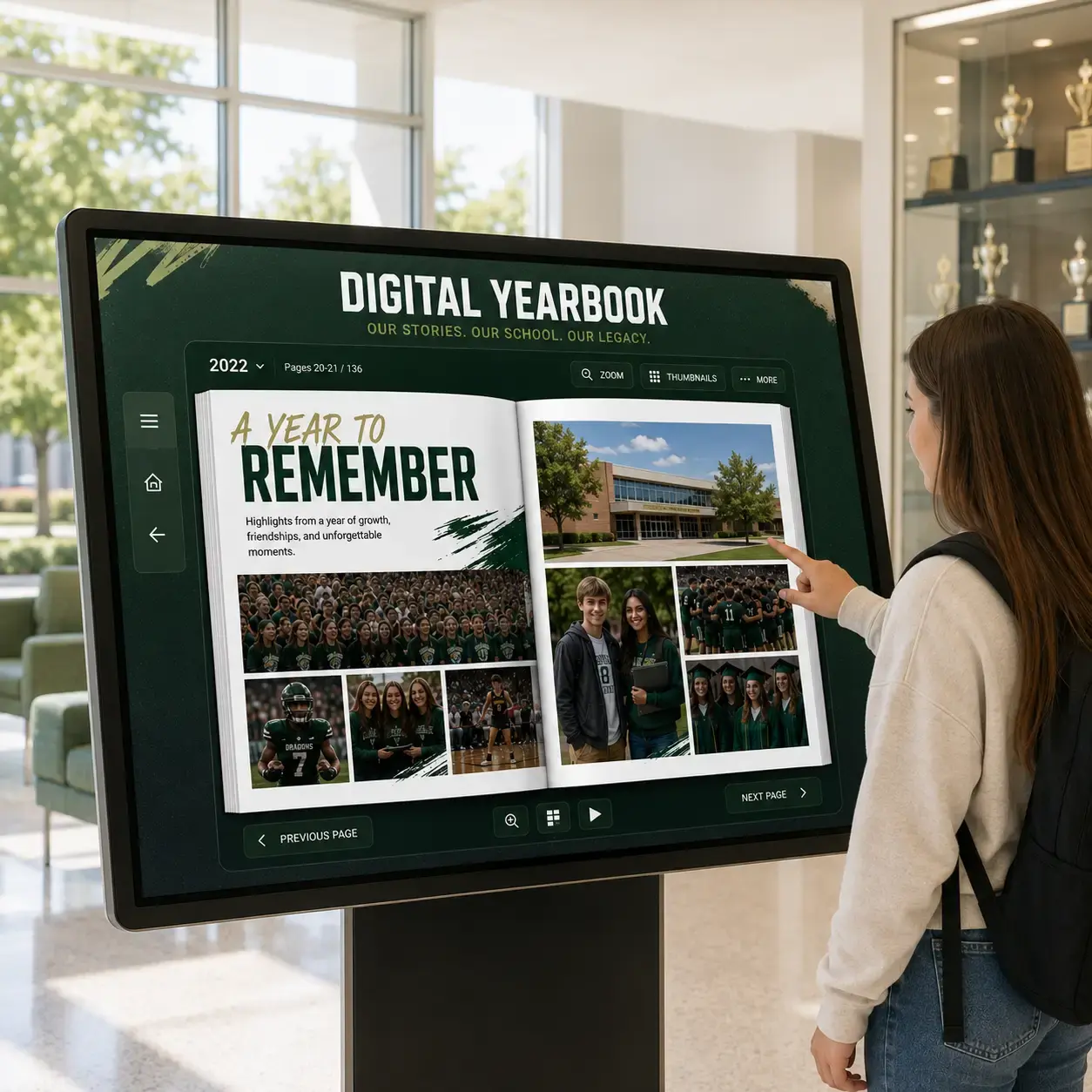
A digital yearbook is a digitized version of your school's printed yearbook that students, staff, and alumni can explore on a computer, tablet, phone, or interactive touchscreen display.
Instead of pulling a fragile book off a shelf, anyone can search by year, flip through pages, zoom in on photos, and find a favorite memory in seconds.
Schools turn to digital yearbooks to:
- Preserve yearbooks before pages fade, tear, or go missing
- Protect rare or one-of-a-kind copies from years past
- Make decades of school history searchable and easy to access
- Give alumni a way to revisit their school memories from anywhere
- Celebrate school history in hallways, libraries, and alumni centers
- Create an interactive experience with touchscreen digital yearbooks
Why schools are digitizing yearbooks
Preserve school history
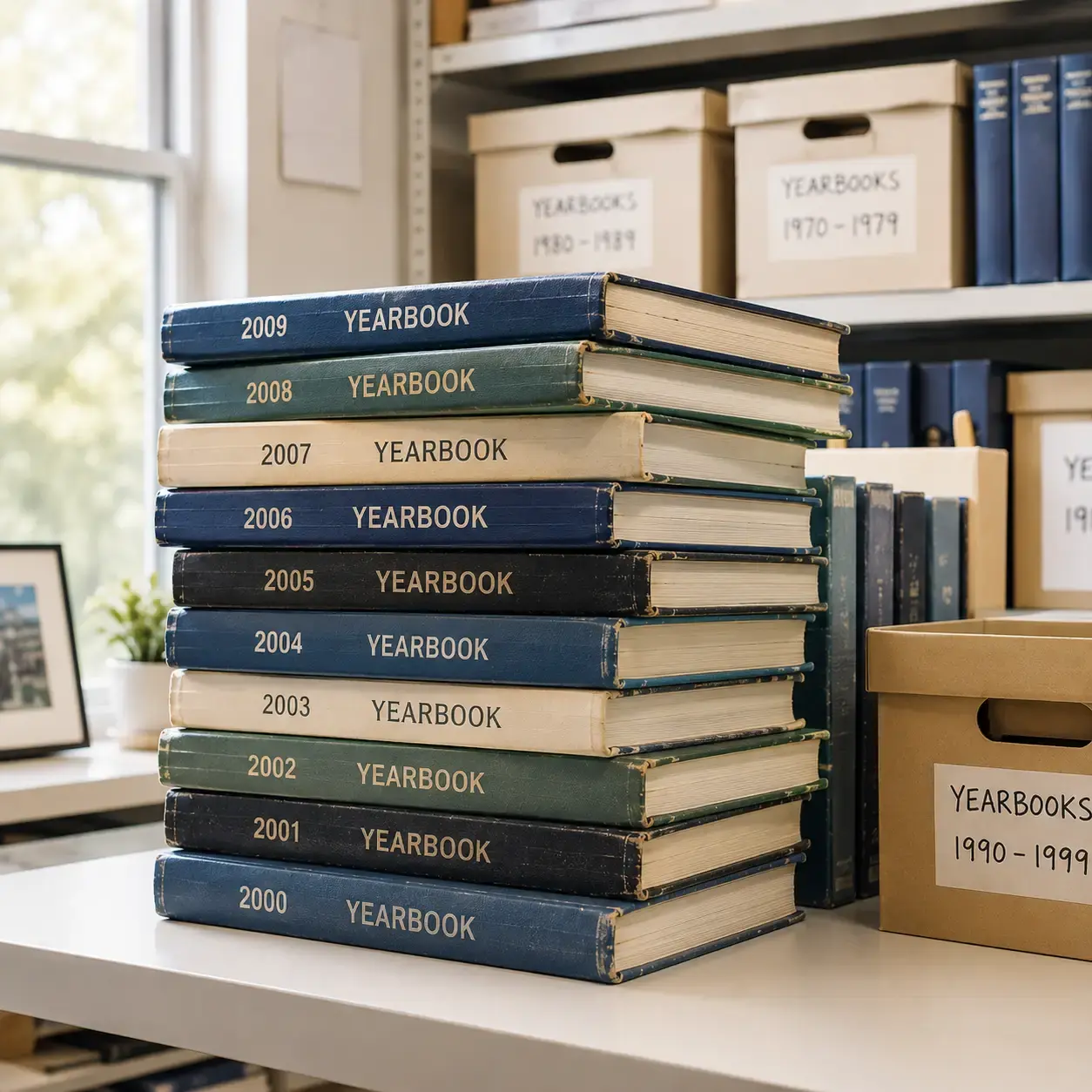
Printed yearbooks fade, tear, and get lost in storage. Digitizing them protects decades of school history in a format that won't degrade over time.
Improve accessibility
Digital yearbooks can be searched, browsed, and zoomed into — making it easy for students, staff, and visitors to find a specific year, page, or classmate.
Engage alumni
Give graduates a reason to reconnect with their school. Alumni can revisit their own yearbook pages and see how the school has grown since they left.
Create an interactive experience
Touchscreen digital yearbooks turn a static archive into something people actually stop and explore in your lobby, library, or alumni center.
How schools digitize yearbooks
Gather physical yearbooks
Pull your printed yearbooks from storage, the library, or your archives — as many years as you'd like included in your digital archive.
Professionally scanning digitizes
Gipper partners with a professional yearbook scanning service that carefully digitizes each page, so your books stay in great condition and your images come through sharp.
Build your digital archive
Once scanned, your yearbooks are organized by year into a searchable digital archive that's easy to browse and simple to keep growing.
Make it available on a touchscreen
Publish your digital archive to Gipper Touch, where students, staff, and alumni can explore every yearbook on an interactive touchscreen display.
Make your digital yearbooks interactive
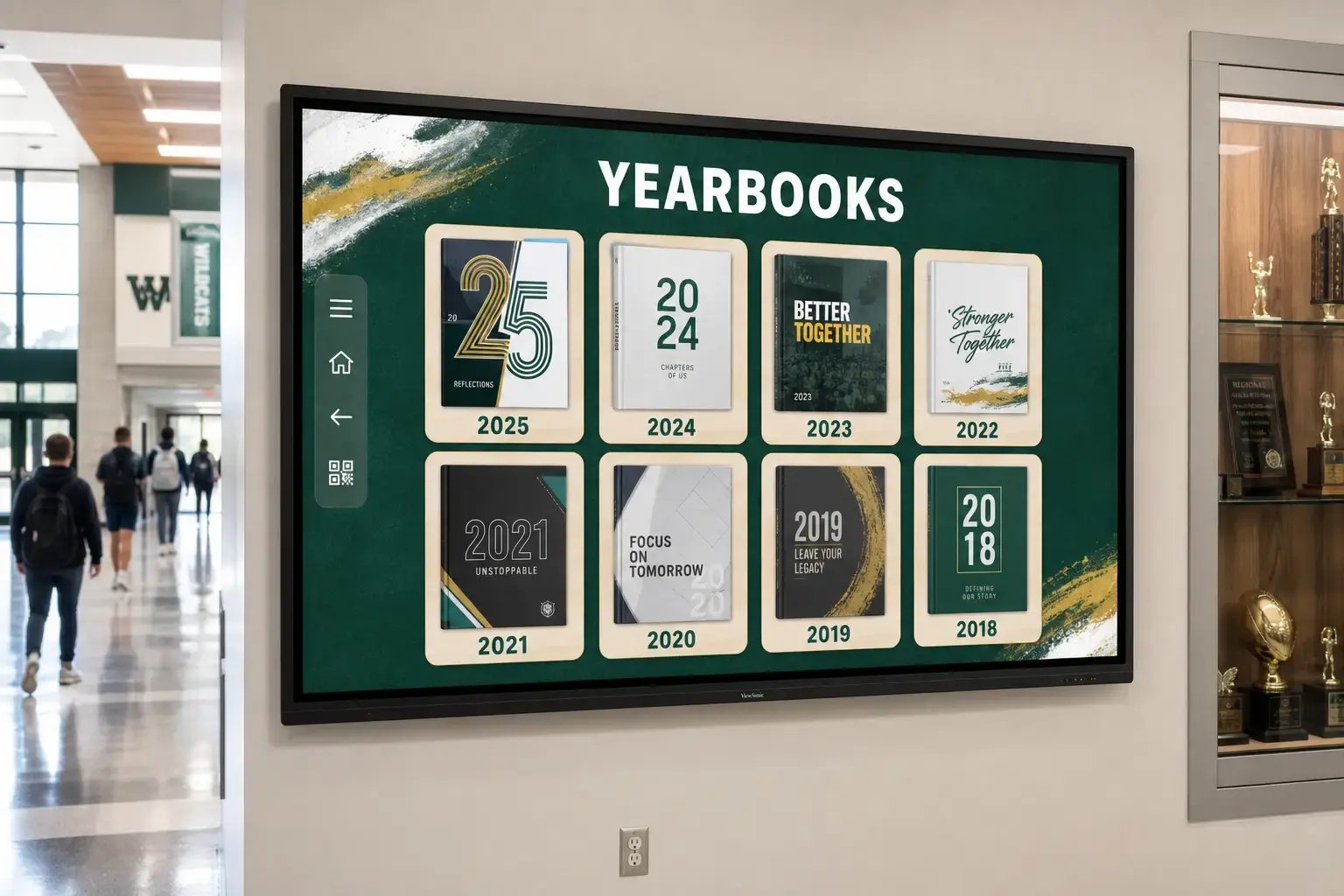
Once your yearbooks are digitized, Gipper Touch turns them into an interactive experience anyone can explore with a tap. Browse by year, flip through pages, and zoom into class photos on a large touchscreen display.
Place your touchscreen digital yearbooks in the spaces where people already pause — school lobbies, libraries, alumni centers, or hallways — so decades of history are always on display and always easy to find.
Frequently Asked Questions
Gipper partners with a professional yearbook digitization service to scan your printed yearbooks. Once scanned, your pages are organized into a searchable digital archive and published to Gipper Touch, ready to explore on a touchscreen.
Yes. While Gipper Touch is designed for an in-person, touchscreen experience in spaces like your lobby or alumni center, your digitized yearbooks live in a publicly accessible website that can be viewed on any computer or phone.
As many as you'd like. Schools commonly start with a handful of decades and continue adding more years to their digital archive over time as older yearbooks are located and scanned.
Popular spots include school lobbies, libraries, alumni centers, and hallways — anywhere students, staff, and visitors naturally pass by and can stop to explore your school's history.
Our digitization partner can work with most printed yearbooks, including older or well-worn copies. Reach out to our team and we'll help you understand what to expect for your specific books.
Book a demo with our team and we'll walk you through how to digitize your yearbooks and publish them to an interactive touchscreen display.
Yes. Digitizing your yearbooks isn't a one-time project — schools regularly add newly published yearbooks to their Gipper Touch archive each year, so the collection keeps growing alongside your school's history.