Digital Signage Hardware
Recommended Digital Signage Hardware
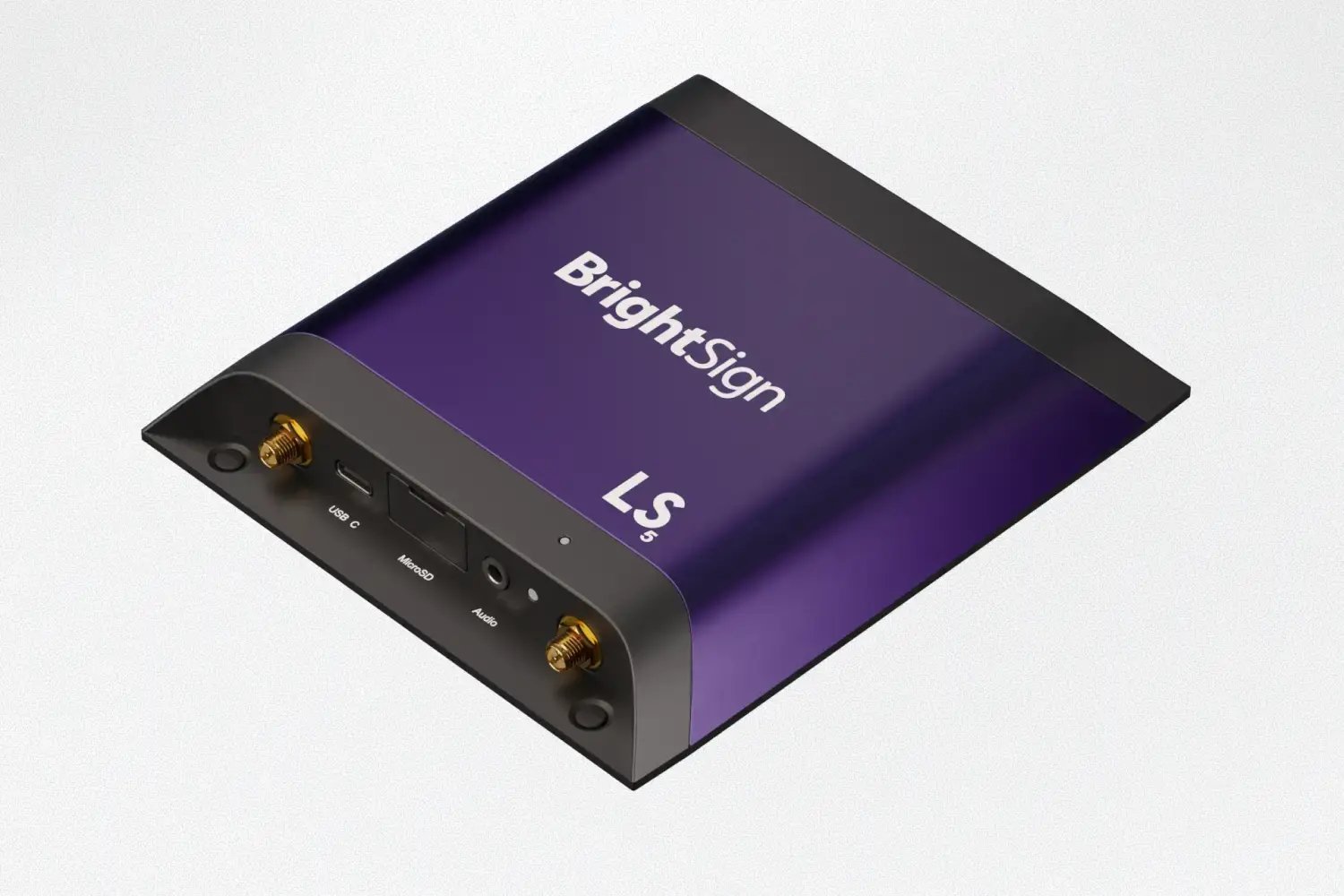
Brightsign Media Player
The BrightSign Media Player is the easiest way to power Gipper Display. Each device includes Gipper's custom player software, giving you seamless integration and remote management directly from your Gipper account.
- Use an existing display
- Optimized for Gipper
- Built for 24/7 operation
- Commercial reliability
- Fast setup
- Brightsign LS445 data sheet
Use the Hardware You Already Own
Unlimited use cases for unlimited recognition
Highlight your outstanding athletes with a digital hall of fame! No need to maintain plaques or trophy cases.
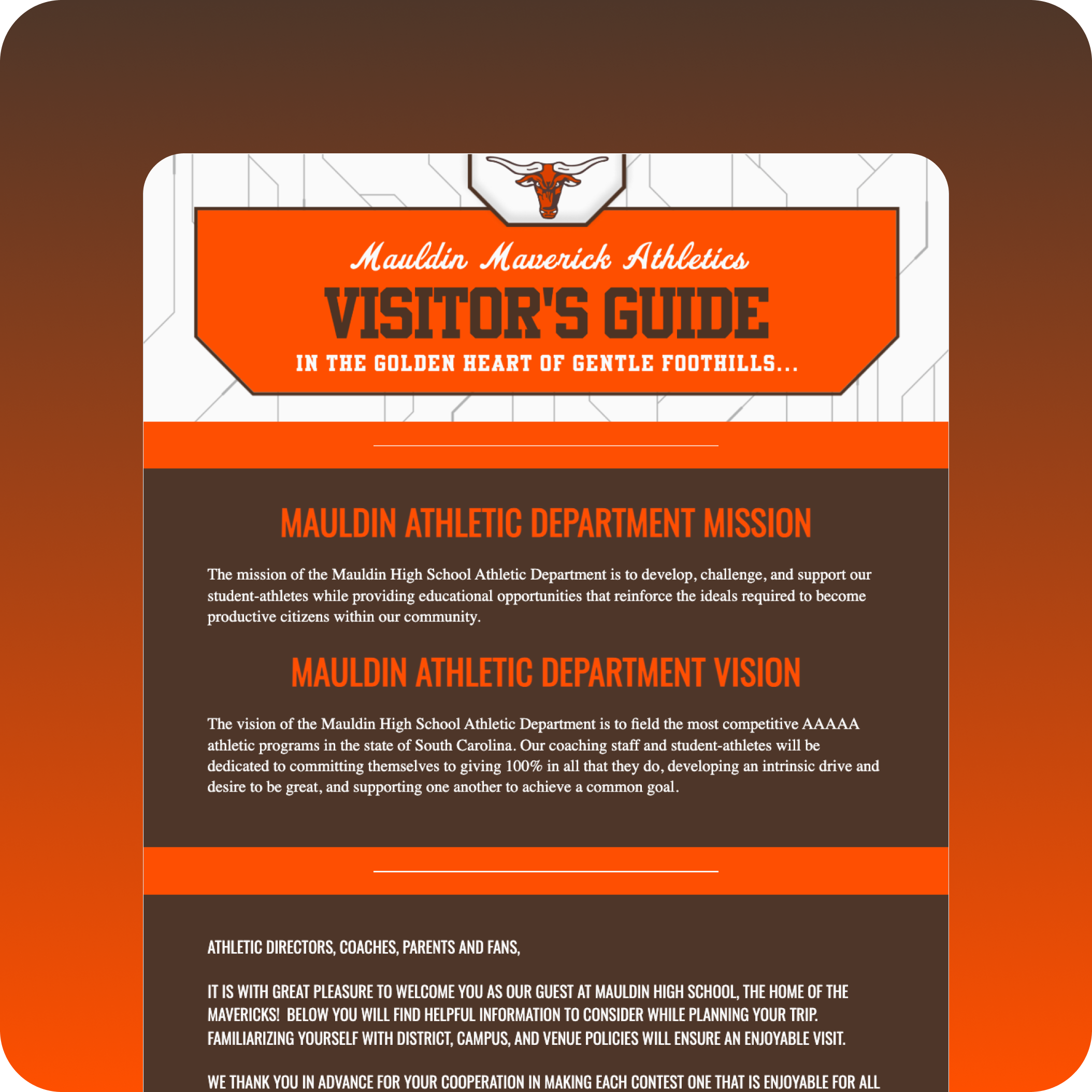
Showcase your student's achievements in the classroom and out! Show your community how your students stand out.
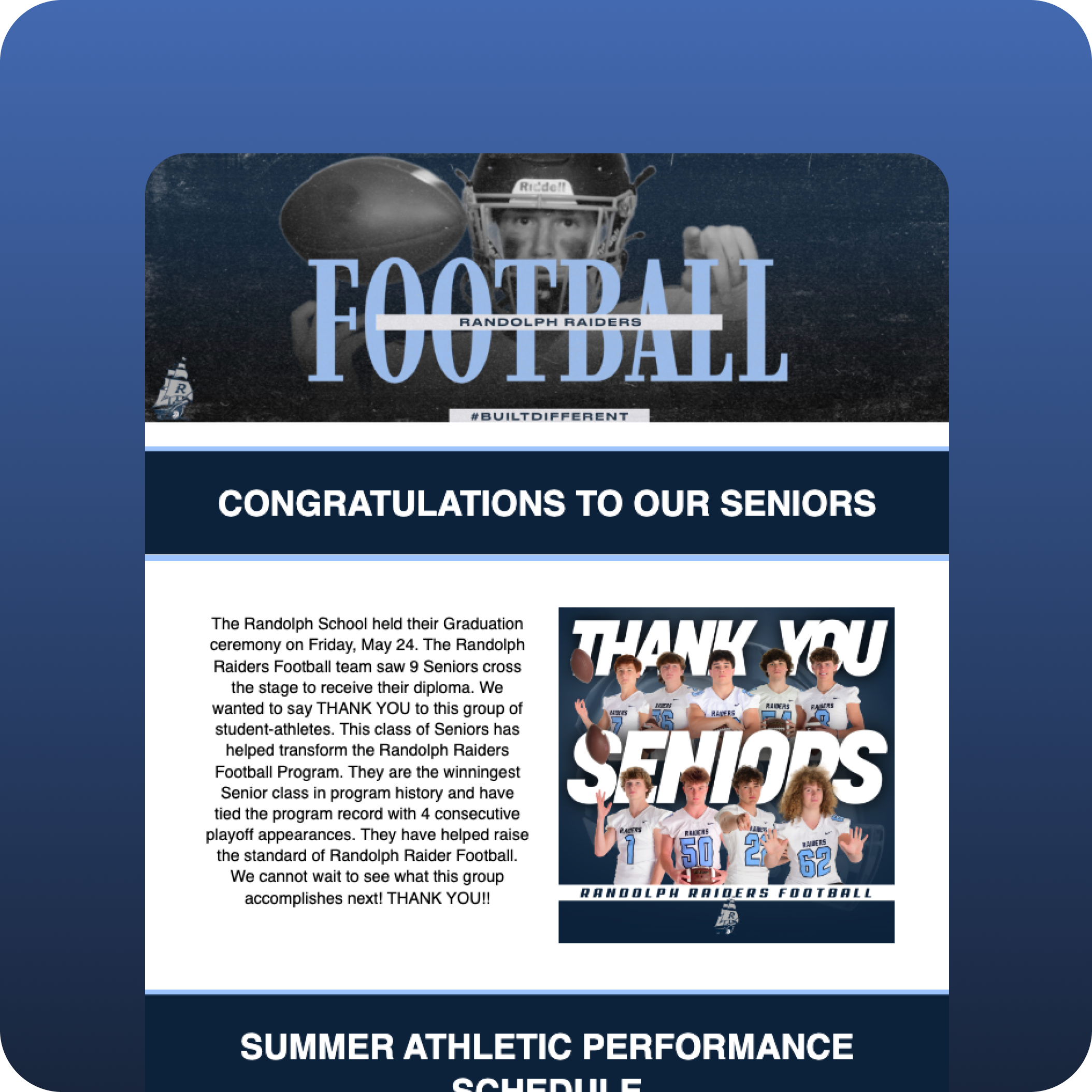
Digital record boards mean you never have to update the books again! Keep a running log of every record in school history.
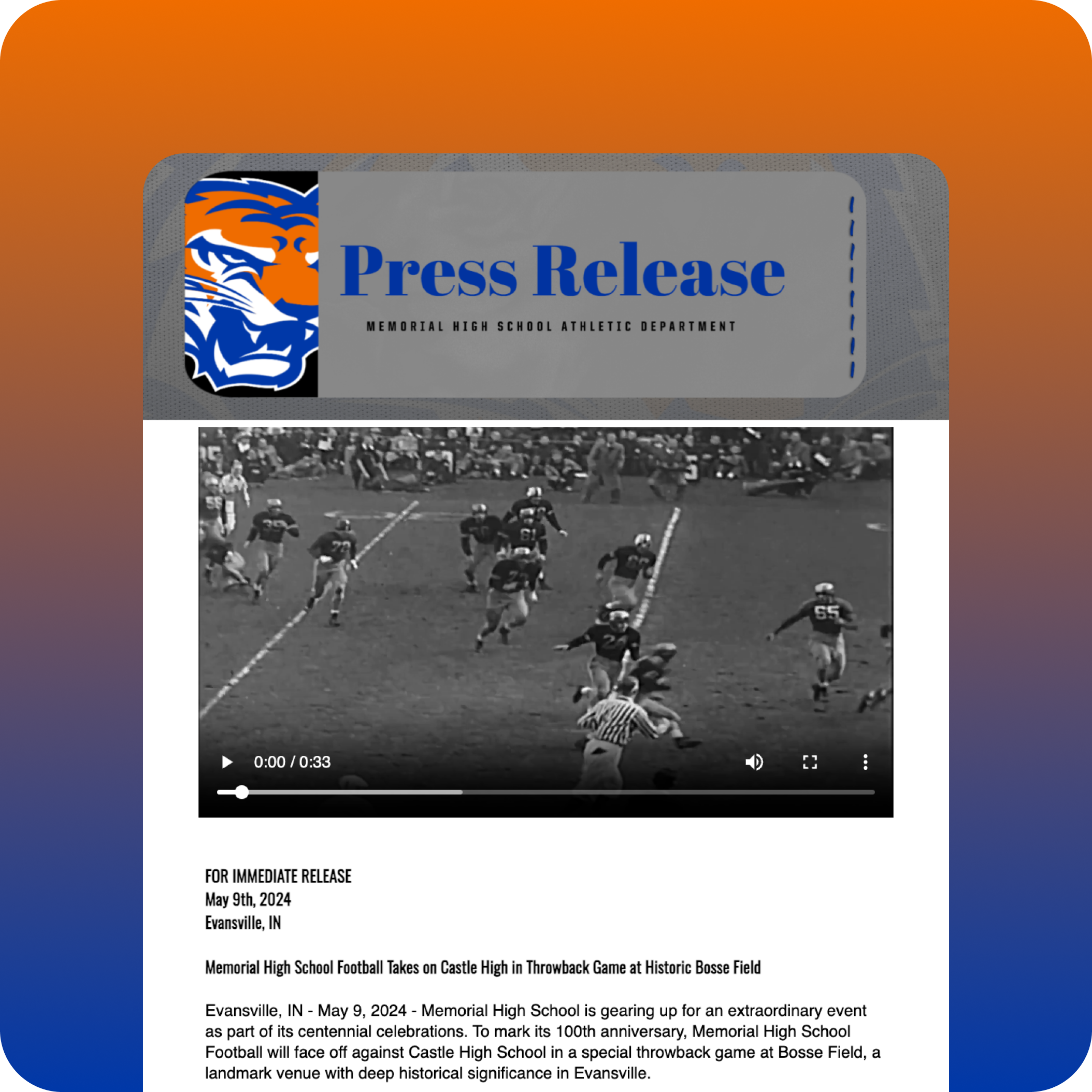
Feature your hardworking staff and their accomplishments! Highlight teachers of the year and faculty spotlights.
Document important dates, milestones, and events in your school's history. Add photos and videos to bring your story to life.
Trusted by athletic departments

Digital Signage Hardware FAQs
To get started with digital signage, you need three things:
- Screen
- Compatible media player
- Digital signage software
Gipper Display works with a wide range of hardware, so you can use an existing setup or choose recommended commercial-grade Brightsign Media Player.
The best hardware for Gipper Display depends on your school's needs. For the most reliable experience, we recommend the BrightSign LS445 Media Player, which comes preconfigured with Gipper's custom player software for simple setup, remote management, and dependable 24/7 operation. If your school already has compatible media players and digital signage platform connected to your displays, you can often continue using your existing hardware without replacing your current setup.
Commercial digital signage media players are designed to run content reliably 24/7, making them ideal for school displays that need to stay online every day. Compared to consumer streaming devices, they offer greater stability, better remote management, and features built specifically for digital signage. That's why Gipper recommends the BrightSign Media Player, which includes our custom player software for seamless provisioning, remote management, and a purpose-built experience within Gipper Display.
Gipper Display is built to help schools spend less time creating and updating content. Instead of manually designing slides and uploading new graphics every time something changes, Gipper automatically generates and updates content like athletic schedules, gameday information, announcements, recognition, and more. Once your screens are connected, you can remotely assign content, update displays, and keep every TV across campus current—all from within Gipper. The result is less manual work, fewer outdated screens, and more time focused on engaging your school community.
Yes. Gipper Display is designed to work with more than just our recommended BrightSign Media Player. If your school already has a digital signage platforms connected to your displays, you can often continue using your existing setup. Gipper Display supports a variety of deployment options, making it easy to integrate with your current setup while keeping your screens up to date with athletic schedules, gameday information, announcements, recognition, and more. If you're unsure whether your hardware is compatible, our team is happy to help you find the best solution.