



STEP 1
Configure Gipper Display in Rise Vision
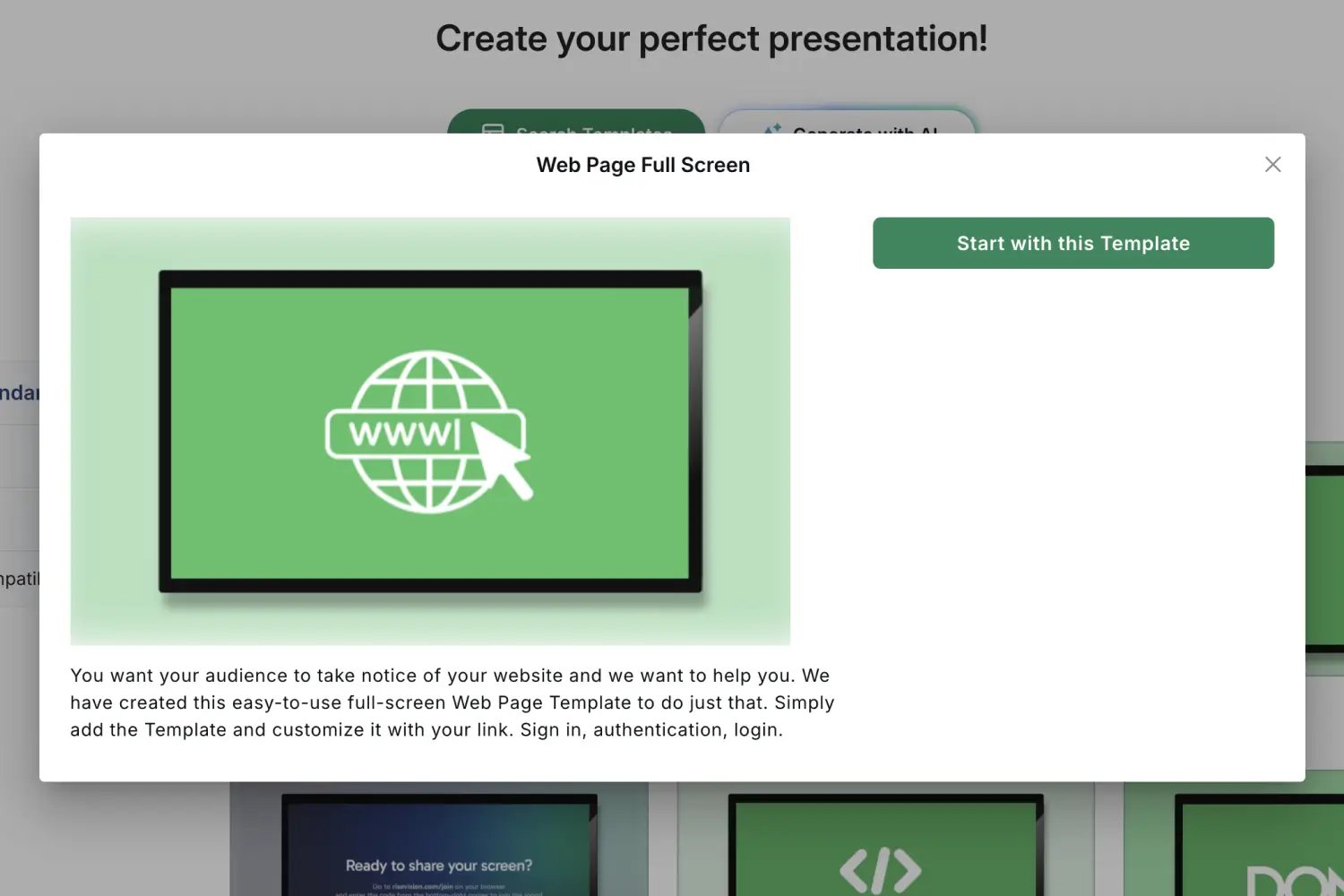
Install the Gipper Display web player on your Rise Vision account as a presentation using the Web Page Full Screen template, then assign it to your Rise Vision Display. On our display you will now see a pairing code.
.webp?width=1500&height=1000&name=displaysetup2%20(1).webp)
STEP 2
Pair your Rise Vision Display with Gipper
Add the Rise Vision Display as a Screen to your Gipper account using the pairing code.
STEP 3
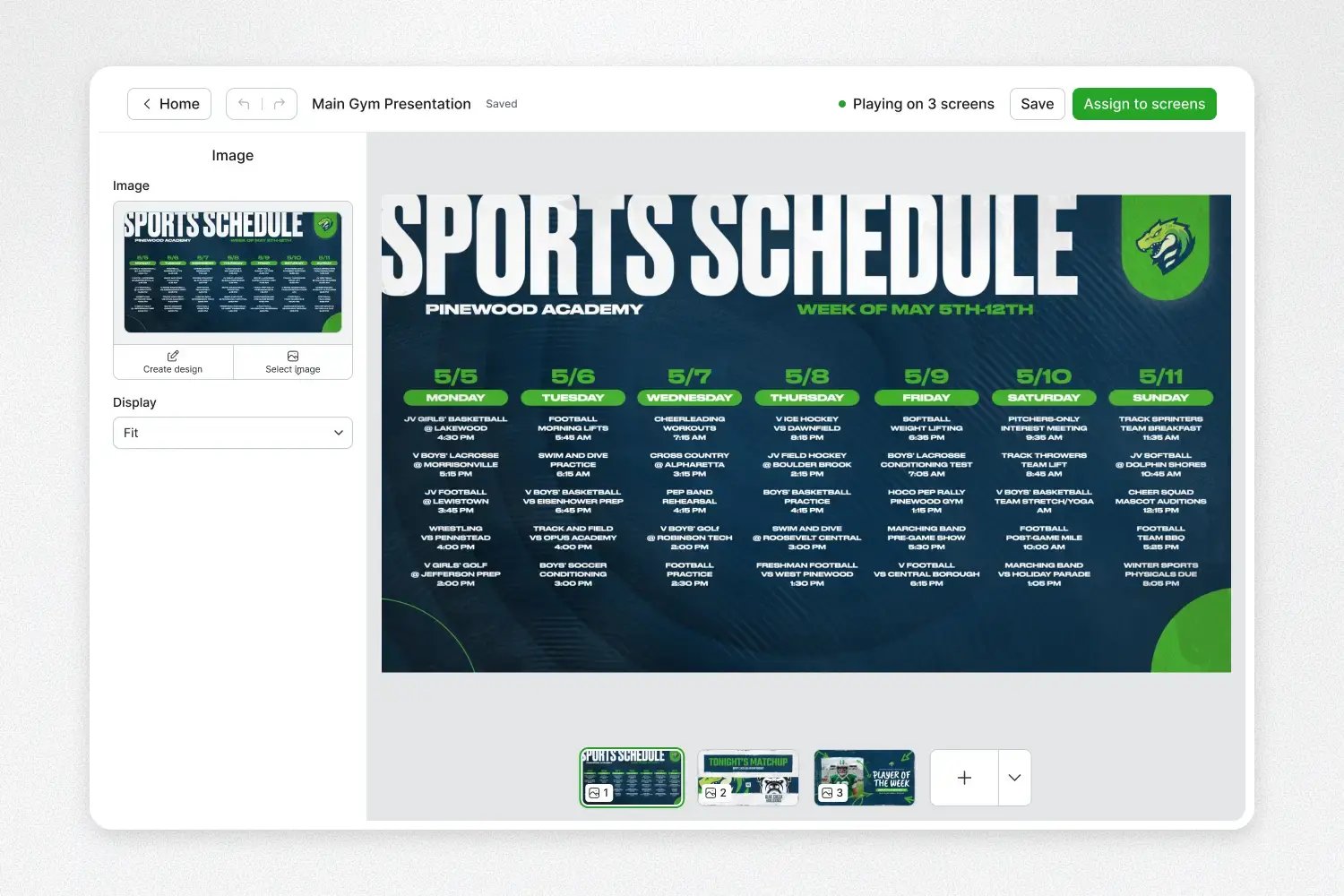
Create a slideshow that can automatically update your Rise Vision screen
Create slideshows of content in Gipper and assign it to your Rise Vision screen.
STEP 4
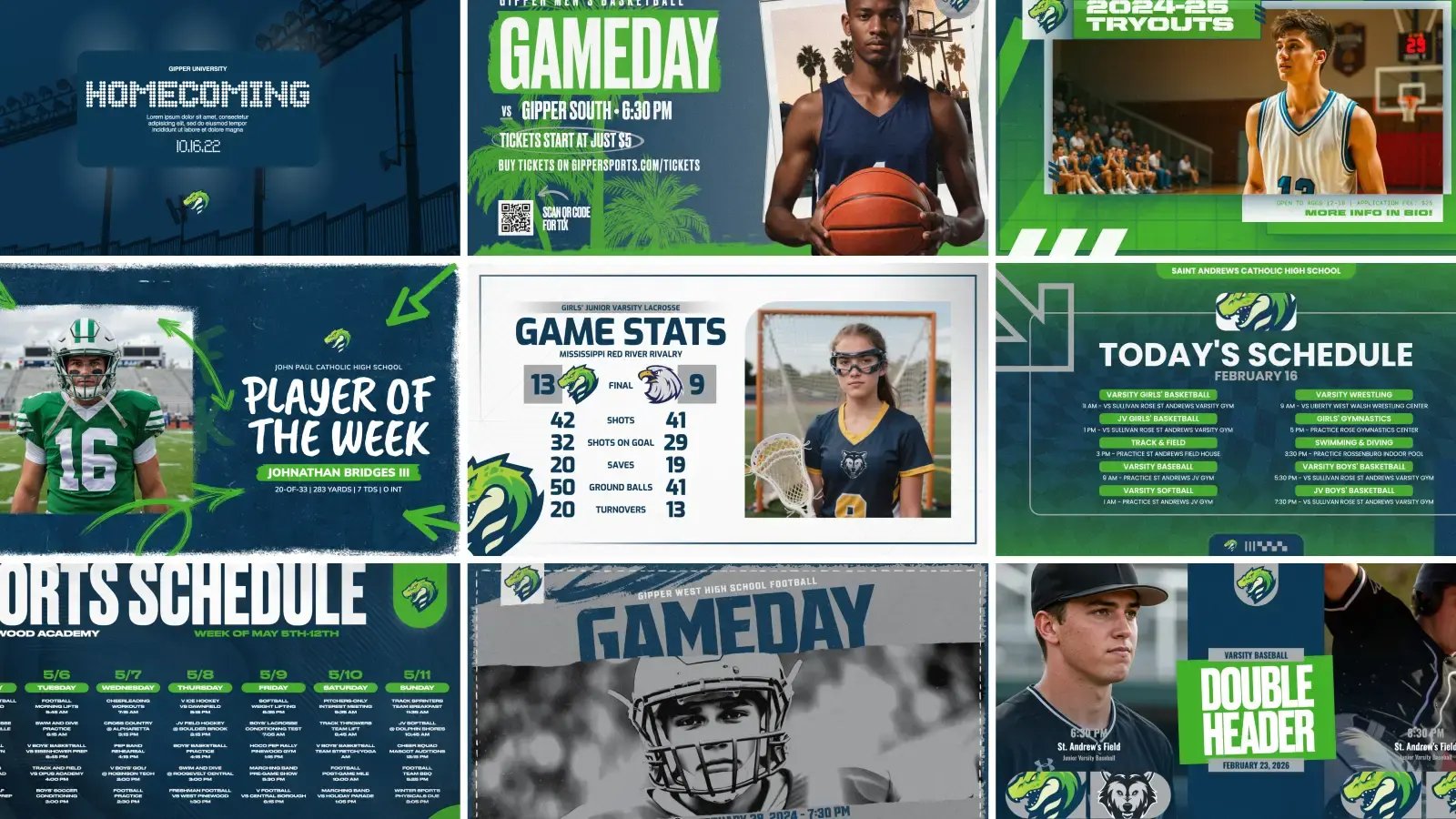
Save time by creating and managing all your content in Gipper
Whenever you make a graphic, you can publish it directly to your Rise Vision screen and it will automatically update.
Trusted by athletic departments
"Gipper Display is fantastic. What took me three hours now takes me five to ten minutes."
Kyle Jarrell
Athletic Director at Dunkirk High School (NY)

"I just click once and it automatically sends it to my Instagram, X, and my two displays outside our gym. It's incredible."
Colin Fegeley
Athletic Director, Green Level High School (NC)

"I love the simplicity of it and how quick it is to use. It's all right there in one place."
Tiffany Lavene
Administrative Assistant, Central City High School (NE)