



STEP 1
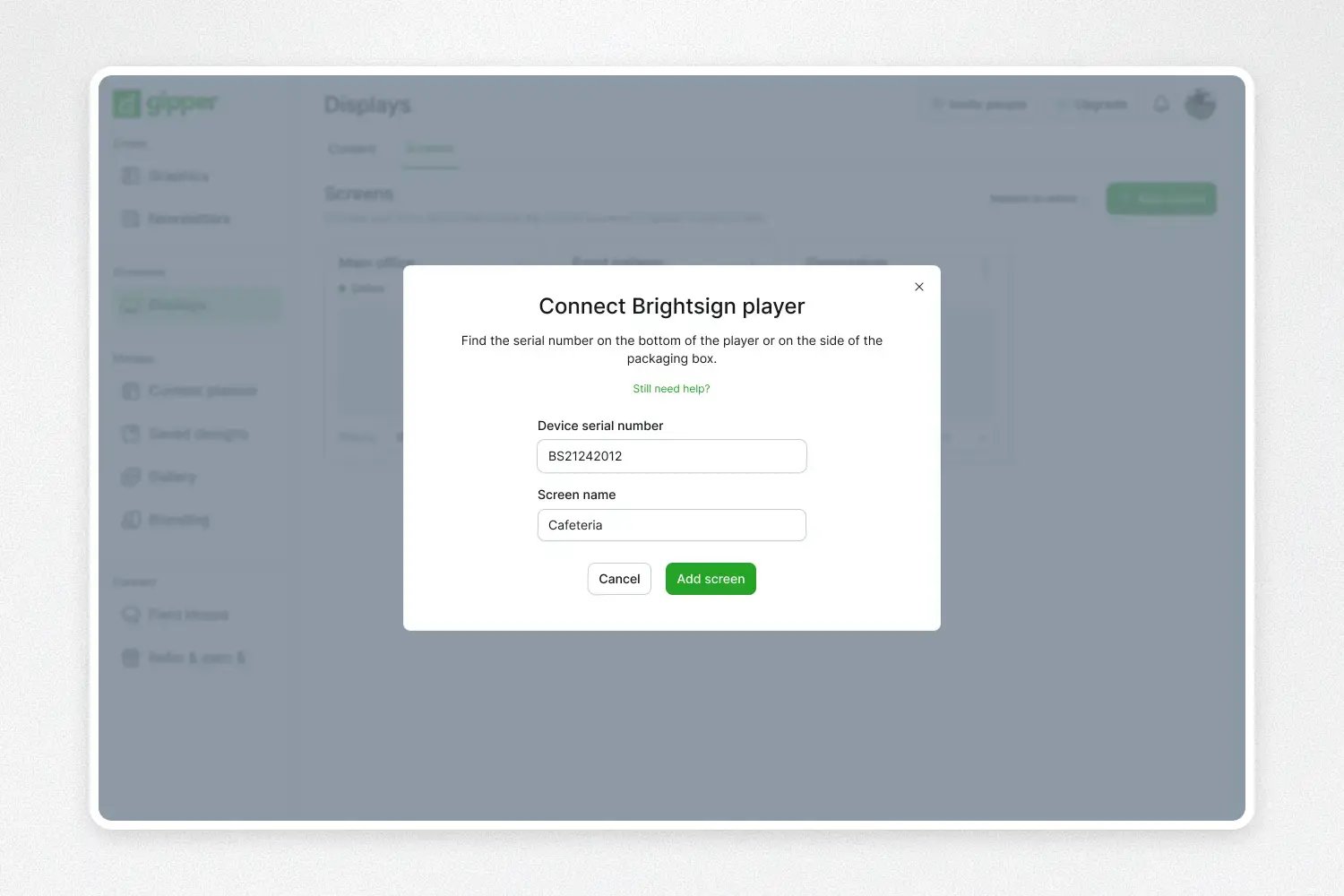
Connect your Brightsign Player to Gipper
Set up a new or existing Brightsign media player by following our setup guide. Once connected you will have full control of the device from within Gipper.
STEP 2
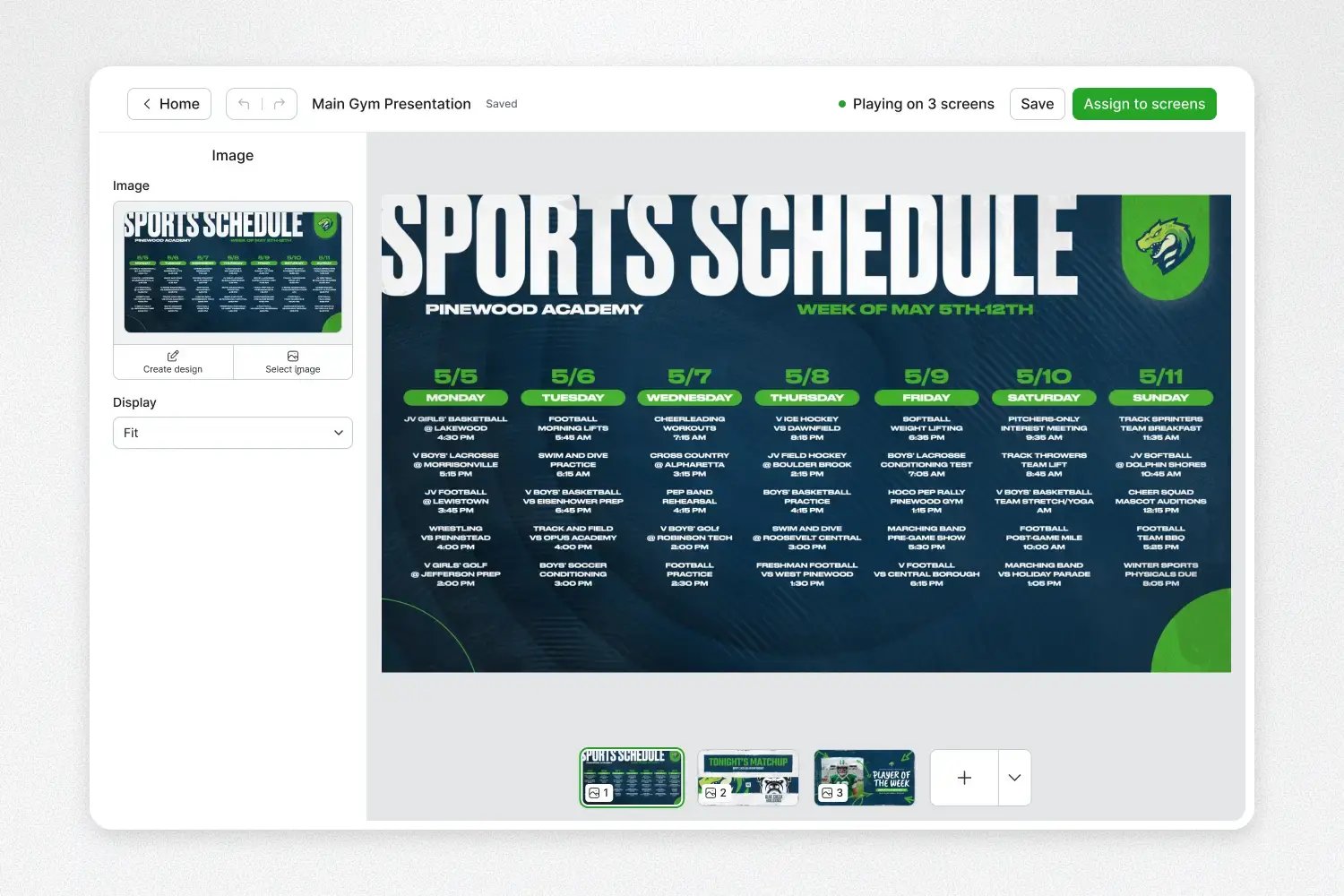
Create a slideshow that can automatically update your display
Create slideshows of content in Gipper and assign it to your Brightsign screen.
STEP 3
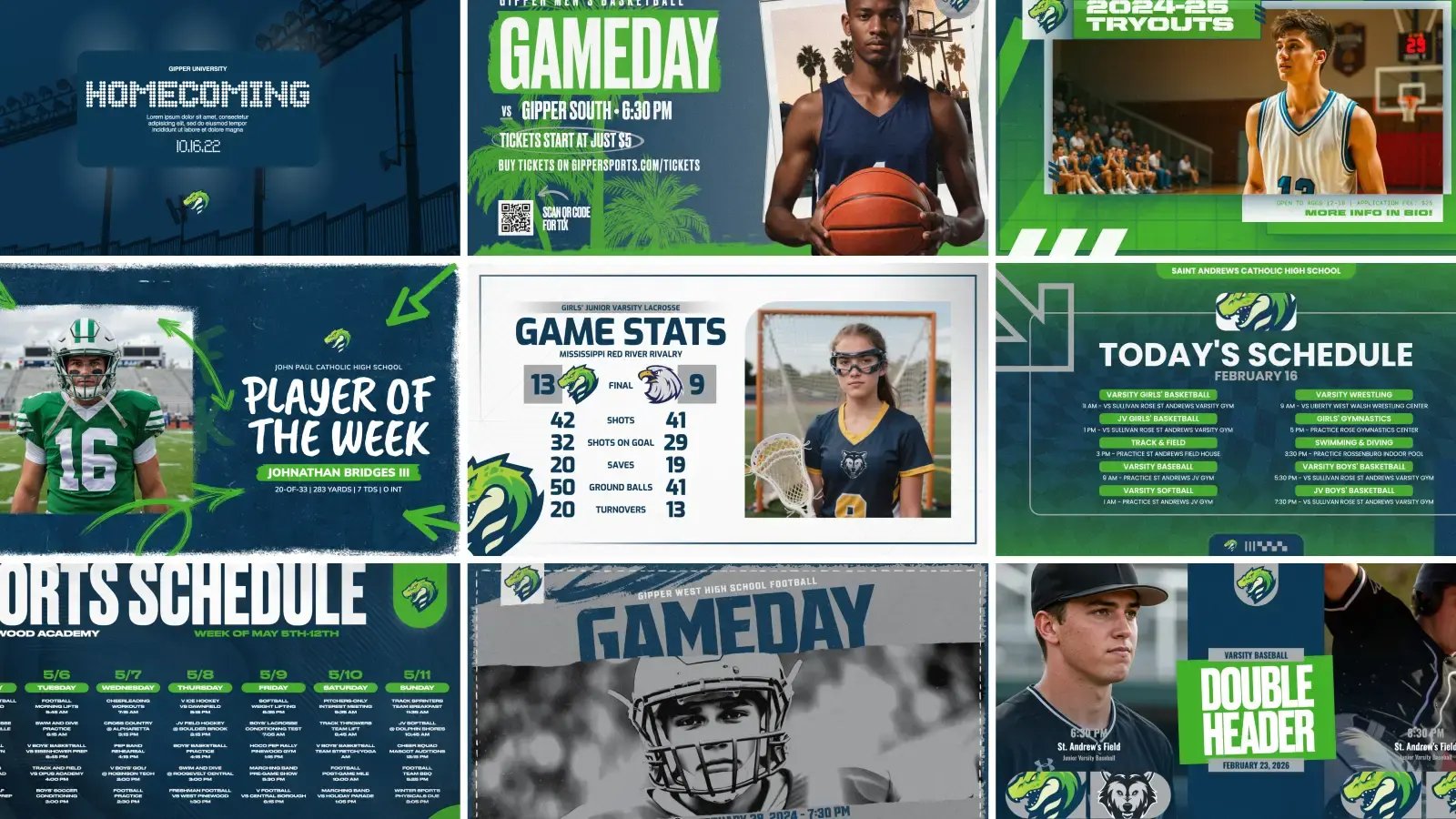
Save time by creating and managing all your content in Gipper
Whenever you make a graphic, you can publish it directly to your Brightsign screen and it will automatically update.
Trusted by athletic departments
"Gipper Display is fantastic. What took me three hours now takes me five to ten minutes."
Kyle Jarrell
Athletic Director at Dunkirk High School (NY)

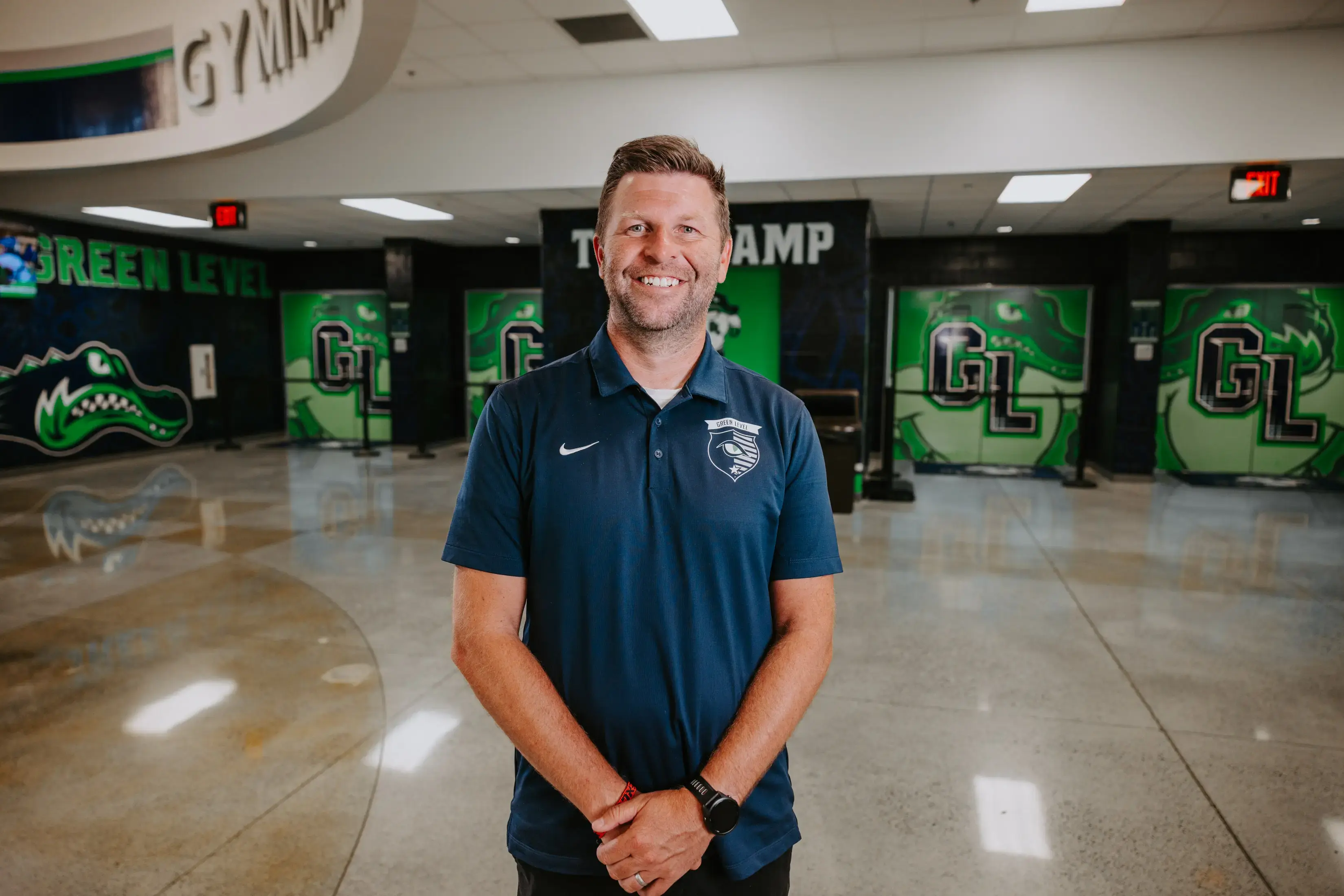
"I just click once and it automatically sends it to my Instagram, X, and my two displays outside our gym. It's incredible."
Colin Fegeley
Athletic Director, Green Level High School (NC)
"I love the simplicity of it and how quick it is to use. It's all right there in one place."
Tiffany Lavene
Administrative Assistant, Central City High School (NE)